
In many demanding work environments, physical interaction with a smartphone screen is simply not feasible.
Whether it is due to the inherent dangers of hazardous zones or the practical impediments of gloved, dirty hands, there are critical moments when traditional data entry methods fall short.
Voice Fill with AI is designed to empower workers to capture data hands-free, bridging the gap between challenging physical realities and allowing workers to simply speak their data into existence, ensuring accuracy and efficiency where touchscreens cannot.
Feature Details | |
Availability | Pro Feature |
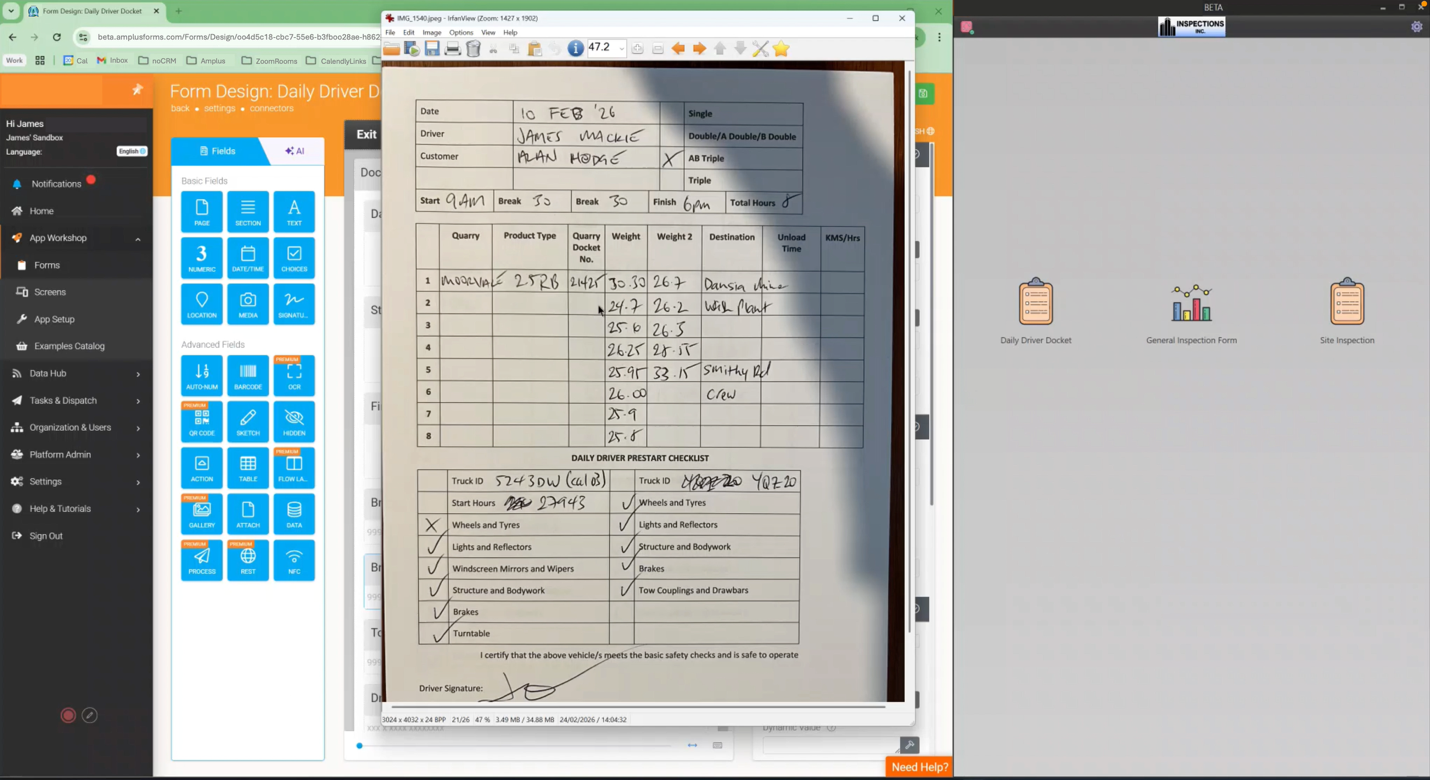
Supports | Populating form fields with voice and photos |
Languages | All languages and mixing of languages are supported |

Enabling Fill with AI
Enabling Fill with AI is done on a form level when designing a data entry form.
- On a Form’s Designer > Select Title Bar
- Under Basic Properties (on the right) > tick Fill with AI
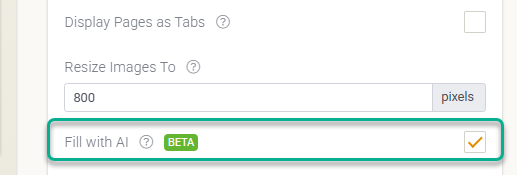
When enabled, a Fill with AI icon will appear at the bottom-right of the form in the mobile app.
Tips for Voice Capture
- Speak Naturally: You don’t need to sound like a robot. Speak at a normal pace; our AI is trained on industry-specific terminology.
- The “Field-First” Method: If you want specific data in specific boxes, try saying the field name followed by the data (e.g., “Specimen ID: TRX-2024-015”).
- Background Noise: If you are on a noisy construction site, use a headset or hold the phone closer to your mouth. The AI is great at filtering out wind, but loud machinery can occasionally interfere with nuanced notes.
Please note that each recording has a 60-second limit. If you need more time, you can tap the mic again to record more. As well, both voice and photo fill with AI require a network connection.